Plug in your camera.
Connect a UVC-compliant USB camera to your device’s USB-C port. Use a suitable adapter if needed, then check the picture in Uvio.
 Uvio
UvioBring your USB camera into the conversation with Uvio. Open your meeting and share the view through your chosen browser-based conferencing platform.
A plan on the desk, a detail under a microscope, an engine inspection or a view through inspection glasses. Uvio brings an external camera’s perspective into the conversation.
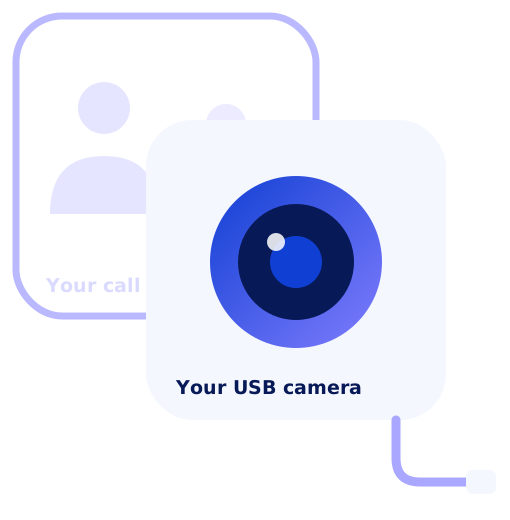
Uvio connects the camera to the call. Your conferencing platform hosts the meeting.
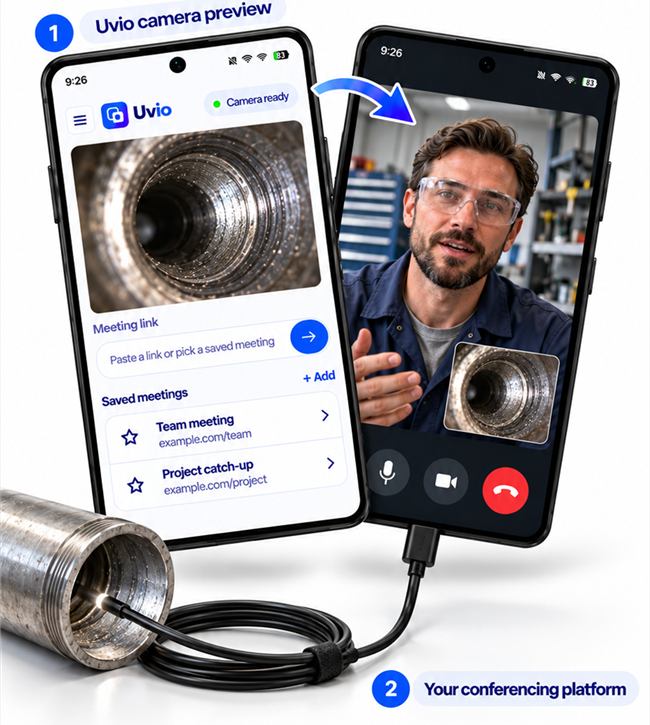
Connect a UVC-compliant USB camera to your device’s USB-C port. Use a suitable adapter if needed, then check the picture in Uvio.
Paste a meeting link into Uvio, share it from another app, or choose a meeting you have saved.
Join the browser call opened within Uvio. The external camera feed is offered to your conferencing platform on the same device.
Choose the camera for the task. Keep the conversation on the device in your hand.
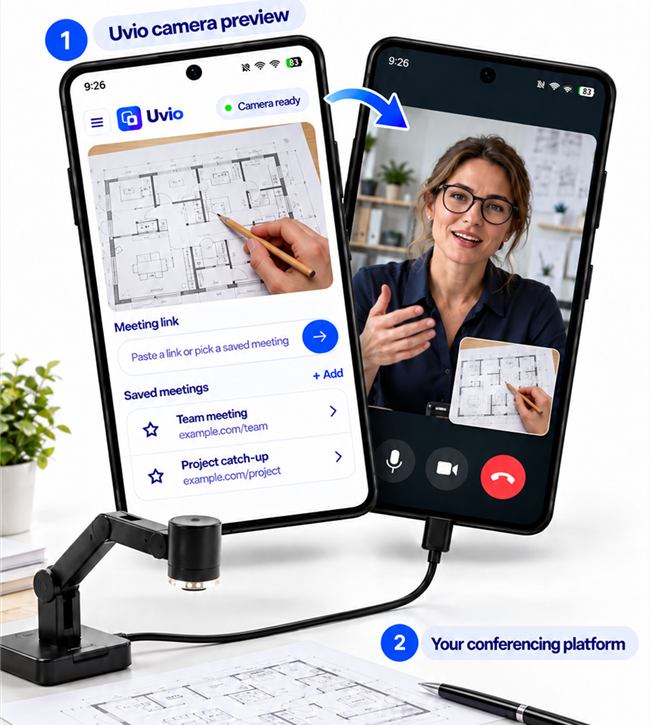
Walk through a drawing, mark up a plan or demonstrate a process. Share the document itself, with your hand and pencil visible, through your chosen meeting platform.
Examples shown with UVC-compatible cameras. Check your camera, phone and browser meeting together before use.
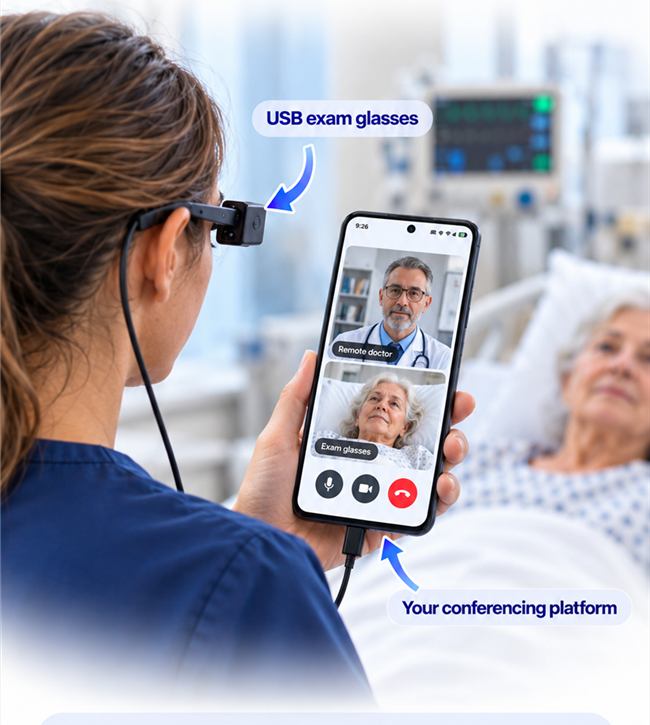
With USB examination glasses connected to an Android phone, a nurse can share what she is seeing with a remote doctor through the chosen conferencing platform.
One phone. A camera at eye level. A clearer way to explain what is in front of you.
Talk to us about your camera setup ↗Use the camera test to check the video feed and microphone before opening your meeting.
Save meeting links in Uvio and return to the calls you join often.
Uvio does not record your video. The feed goes to the call you choose to join.
Every feature is included in the free version. Android pricing shown below; iPad pricing will be confirmed before launch.
Explore what your camera can do.
A clean picture for your conversations.
No. Uvio receives the external USB camera feed and makes it available to the browser call you open within Uvio. Your selected conferencing service runs the meeting, on the same device.
Uvio is coming soon for Android phones, Android tablets and iPad. The Apple version is for iPad only; iPhone functionality is not yet available.
A UVC-compliant USB camera and a compatible device with the required USB connection. Support for iPad and Android tablets is in development. Webcams, document cameras, microscopes and inspection cameras may use UVC. Camera power requirements and device compatibility vary.
Use a platform with a compatible browser-based meeting experience. Compatibility depends on the platform, meeting settings and device. Contact us with your setup so we can help you check it.
No. Other participants join through their usual conferencing platform. They see the camera feed you share into the call.
The yearly Uvio subscription removes the free-version watermark. Android subscriptions are managed through Google Play and can be cancelled there. iPad subscription details will be confirmed before launch.
Tell us which camera and device you use. We’ll let you know when Uvio is available for your platform.
Get early access ↗